Read the context.
See how H4, H8, daily, weekly and monthly conditions relate to one another in the multi-timeframe table.

TrendPredator brings the multi-timeframe read onto your TradingView charts. It highlights alignment, structure, and potential setup areas so you can apply your own rules with more clarity.
TrendPredator PRO brings the analytical parts of the MTF System onto your TradingView charts. It organises higher-timeframe context, key price levels and developing setup conditions so you can spend less time reconstructing the picture and more time assessing the opportunity.
See how H4, H8, daily, weekly and monthly conditions relate to one another in the multi-timeframe table.
Track previous highs, lows and closes alongside breach levels to assess where price is holding, failing or changing direction.
Use the context and setup tables to identify conditions relevant to your play. Configure alerts to draw your attention when selected conditions appear.
Your thesis, timing and risk rules determine whether you take the trade.
PRO provides the multi-timeframe context. Open Box frames the session. Fakeout highlights candle behaviour. The four layouts below show how I combine them in my own process.
The daily view keeps monthly and weekly structure, alignment and key levels visible before you develop a trade idea.
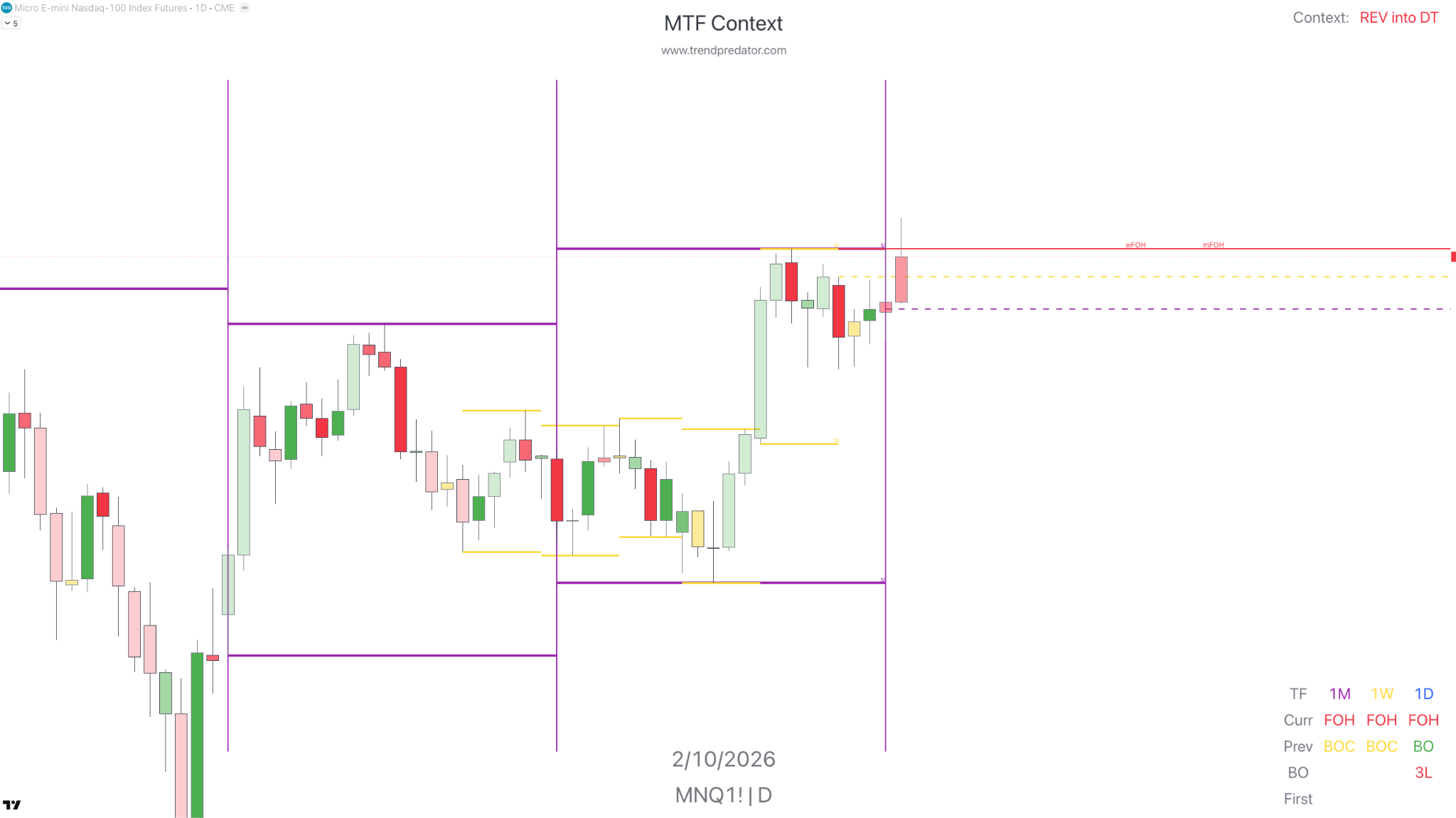 View full size
The H1 view brings context, levels and price structure together. Define the scenario and the relevant play before moving closer to execution.
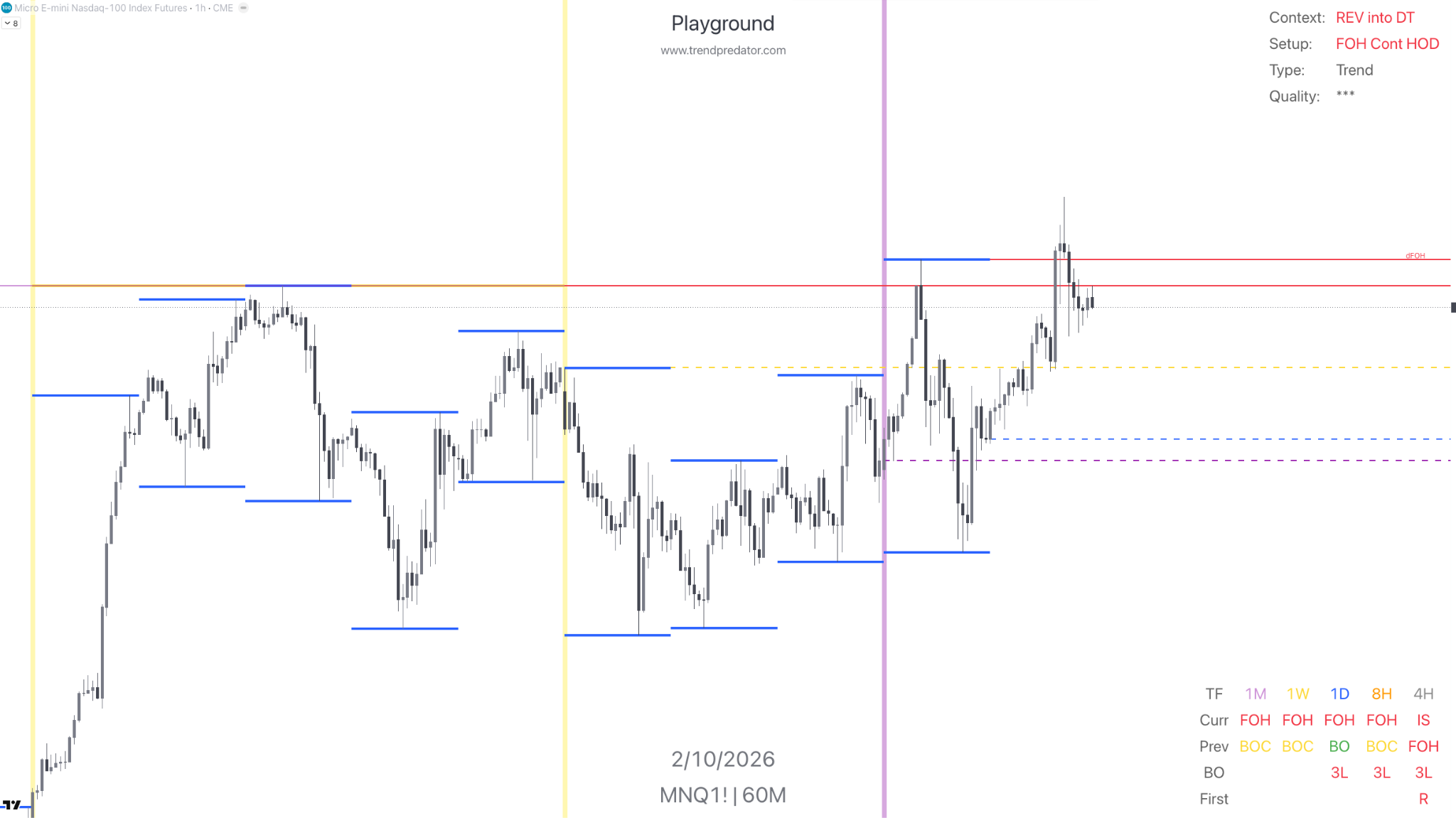 View full size
The M15 view shows the session sequence alongside H8 structure. Check how Asia, London and New York develop and whether the setup supports your thesis.
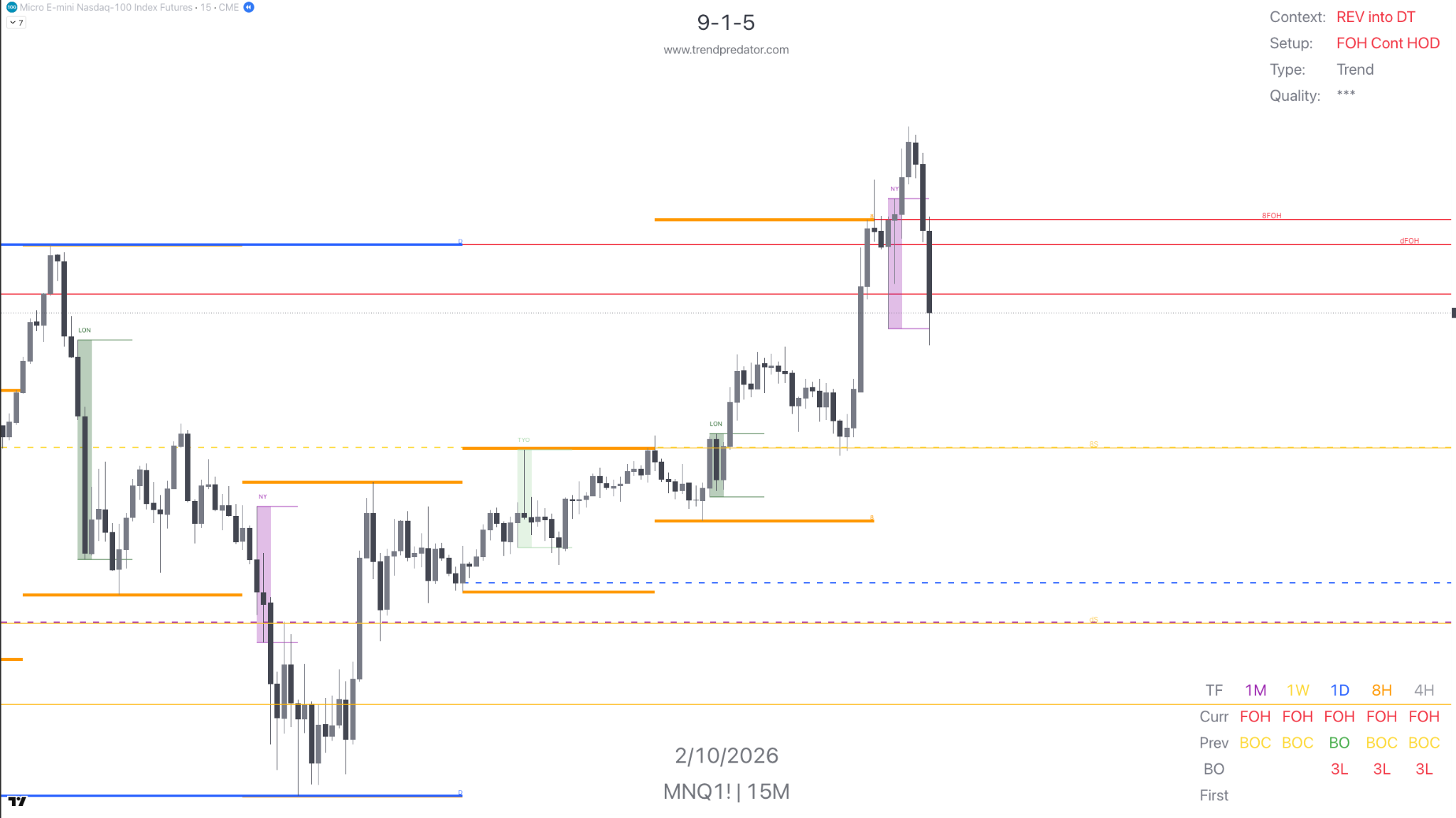 View full size
The M5 view combines Open Box, time rotations and relevant levels. Wait for the planned confirmation and apply your risk rules.
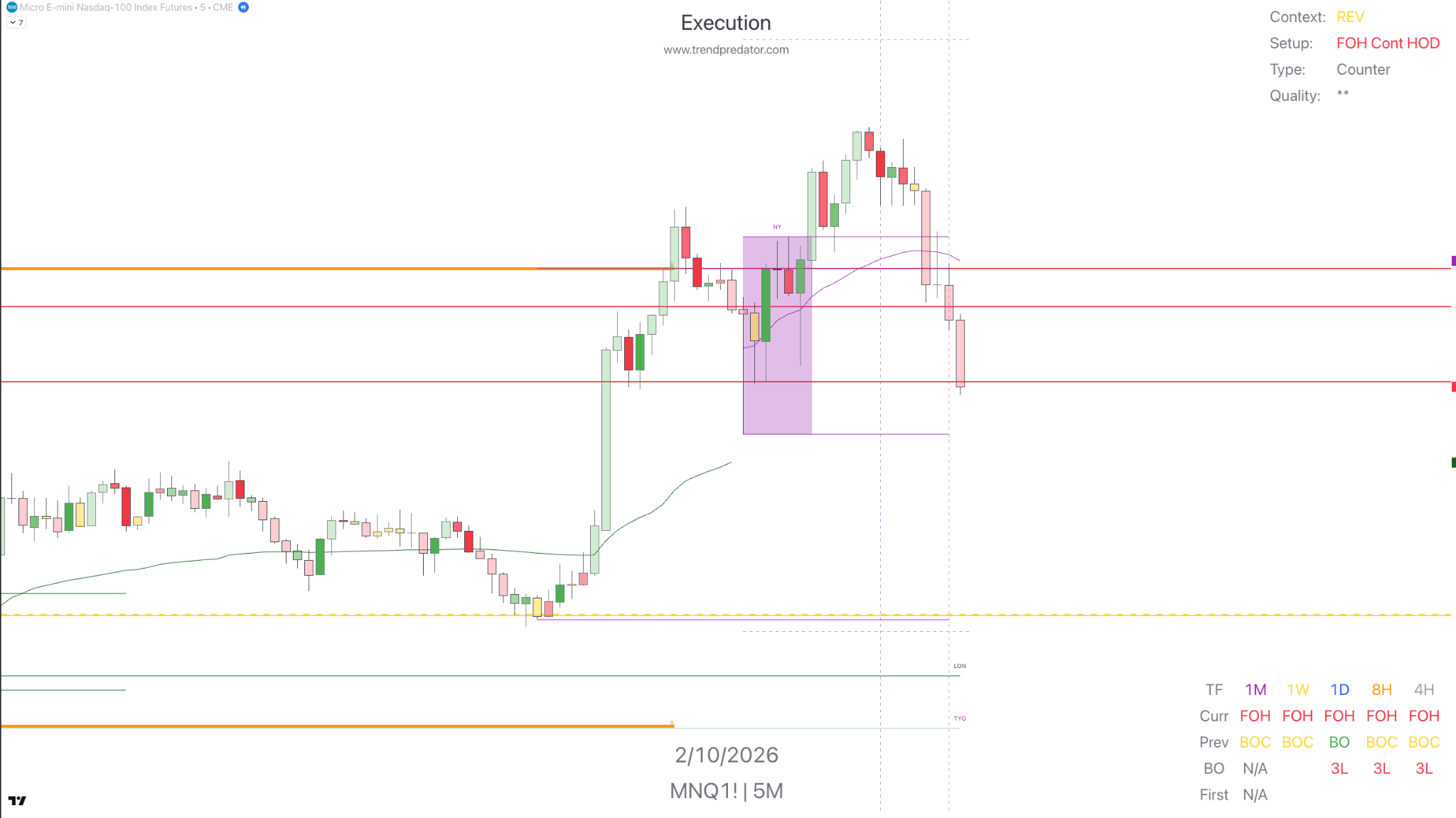 View full size
Adapt the layouts to your markets, screen setup and trading routine. Here are two variants I use during live sessions.
Monitor the selected market basket and cross-market relationships in one view.
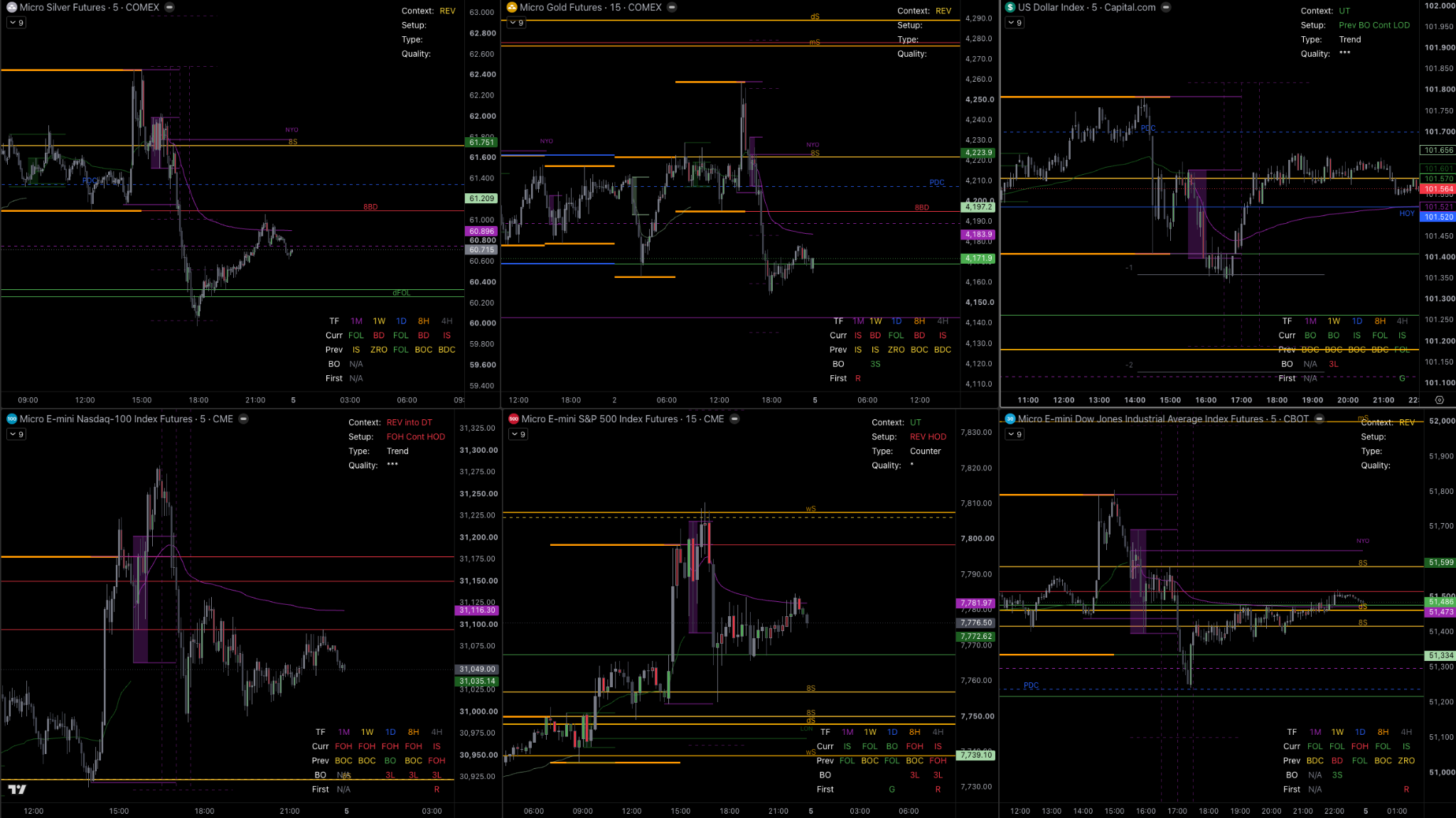 View full size
Bring context, market profile and execution together for a closer look at one market.
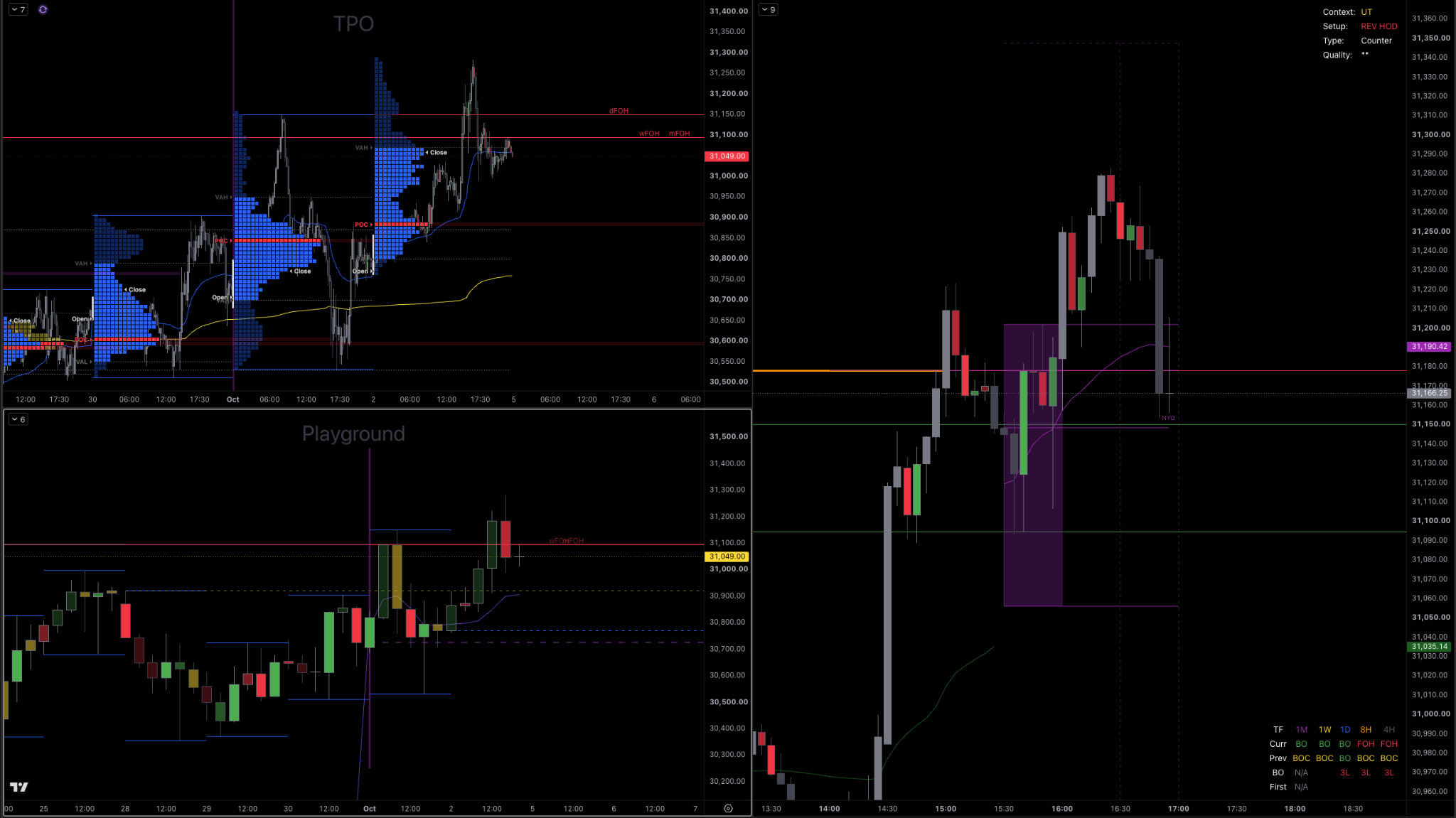 View full size
The MTF System turns the conditions on your charts into a thesis, a play and a plan for execution and review.
Explore the MTF SystemTrendPredator provides context, setup information and reference levels to support the process. Your Playbook defines the conditions for entering, passing and managing the trade.
“I’ve gained a lot of confidence knowing I can quickly see when the higher timeframes are lining up.”
“It helps to clearly define the setup forming in real time.”
Subscribe through Whop and activate the invite-only indicator on TradingView. Learn and develop your process with TC888.
The monthly plan has a 30-day trial, followed by $70 every 30 days. The current monthly route is a waitlist, not immediate checkout.
The 90-day and annual plans are current subscription offers on Whop. Annual billing renews every 365 days. Applicable taxes may be added.

Indicator access, layouts, onboarding, documentation, knowledge base and Discord support.
PRO is included with current Platinum and Mentoring memberships. Premium includes a separate two-month activation route. Use your included-access steps in Start Here before considering a standalone plan.
Applicable taxes may be added.
No. PRO is available as a standalone Whop subscription. Premium teaches the wider MTF System and includes two months of PRO through a separate activation link. Platinum and Mentoring include PRO for the duration of their entitlement.
PRO identifies and classifies potential setup conditions. An indication or alert is a prompt to assess the market. Entry still depends on your context, confirmation, timing and risk rules.
The weekly open Execution Session is free and includes a recent trade example, upcoming-session thesis and Q&A. Platinum adds the broader preparation and review environment. Mentoring provides direct feedback on your personal process. Current Platinum and Mentoring memberships include PRO. Follow their Start Here instructions to activate included access.
Highlight fakeouts, breakouts and trend switches in context.
View Fakeout on TradingViewFrame session openings and observe how price behaves around the range.
View Open Box on TradingView